
Editorial quick answer
3-Day Home Backup System: How I Built Mine
Three years ago, a windstorm knocked out our power for 58 hours. We had a flashlight, a drawer full of candles, and a refrigerator full of food we watched slowly go bad. I swore it would never happen again. Last month, the same storm pattern came through. We barely noticed. The lights stayed on, the […]
Who this is for
Homeowners using this topic to compare choices, identify tradeoffs, or prepare better questions.
What this cannot promise
A guaranteed bill reduction, output, runtime, incentive, code approval, interconnection result, or project-specific electrical design.
Assumptions, date, and local checks
Costs and performance depend on location, date, model, configuration, weather, tariffs, utility rules, program funding, installation details, and household loads. Incentive, net-metering, code, battery-sizing, and electrical statements require current jurisdiction and source checks. Confirm project-specific details with the serving utility, program administrator, manufacturer, and a qualified electrician or installer.
How evidence is labeled
Mike context
Limited to his 20 years as an electrician, going solar in 2019, and having no installer ties.
Manufacturer specification
Maker-published data for an identified model or version, not an independent measurement.
Public source
Utility, government, program, code, standards, or other dated public information.
Estimate
Math based on stated inputs and assumptions, not a quote or guarantee.
Editorial analysis
SunBacked’s synthesis of tradeoffs, separated from sourced facts.
Three years ago, a windstorm knocked out our power for 58 hours. We had a flashlight, a drawer full of candles, and a refrigerator full of food we watched slowly go bad. I swore it would never happen again.
Last month, the same storm pattern came through. We barely noticed. The lights stayed on, the fridge kept running, and my wife worked her full remote day without a single hiccup. Building a home backup system that could handle multi-day outages wasn’t cheap — but what I spent versus what we got back in peace of mind is one of the best investments I’ve made in this house.
Here’s exactly how I did it, what I learned, and what I’d do differently.
First: Know What You’re Actually Trying to Power
The biggest mistake people make when designing a backup system is starting with the equipment rather than the load. Before I spent a dollar, I went through every circuit in my panel and categorized things into tiers:
- Tier 1 (must-have): Refrigerator, some lighting, internet/router, phone charging, medical equipment if applicable
- Tier 2 (nice-to-have): Television, computer workstation, small appliances
- Tier 3 (skip it): Electric oven, central AC, electric water heater, electric dryer
My Tier 1 load came to about 1.2-1.5 kWh per day. Tier 1 + Tier 2 was closer to 4-5 kWh daily. That math drives every equipment decision that follows.
The System I Built
I went with a solar-plus-battery approach, which I know isn’t the only option — I’ll get to battery-only setups in a minute. Here’s what I installed:
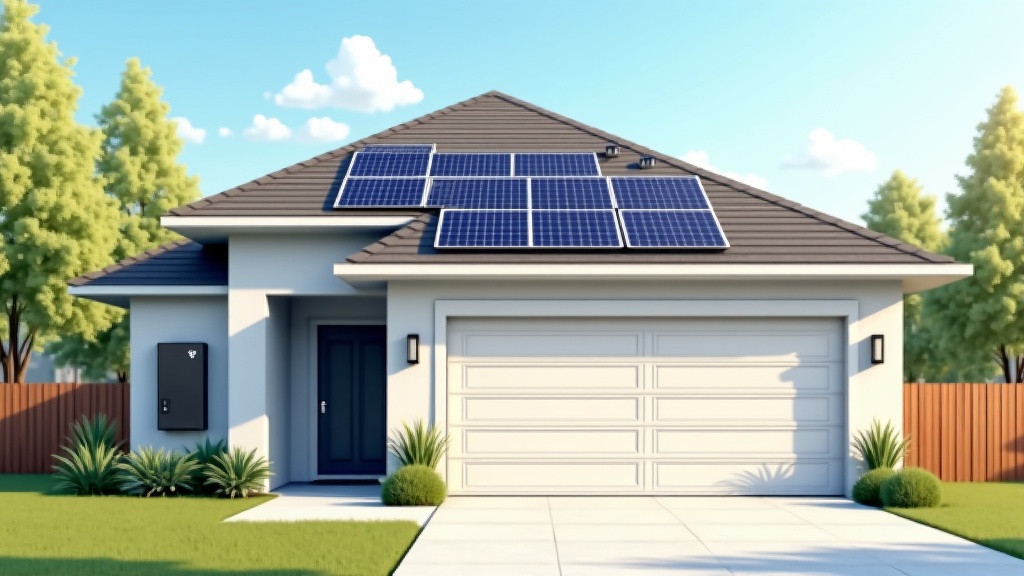
10 panels (400W each = 4kW system) on a south-facing roof section with no shade. In my climate (Pacific Northwest), that generates roughly 12-18 kWh on a good day, 4-6 kWh on overcast days.
20 kWh of battery storage — two 10 kWh battery units from a reputable manufacturer. This is more than most people need for 3 days of Tier 1 loads, but I wanted the buffer for cloudy stretches.
A hybrid inverter that handles both solar input and battery management, and automatically switches to backup mode when grid power drops. The switchover time is under 20 milliseconds — fast enough that most electronics don’t even register the transition.
Total system cost after the 30% federal tax credit: just under $22,000. Not trivial. But compare that to a whole-home standby generator ($10-15K installed + ongoing fuel and maintenance costs) and the math gets more interesting, especially when you factor in years of reduced electricity bills.
The Battery-Only Route (Lower Cost, Still Effective)
I get a lot of questions from people who don’t want to do a full solar install but still want meaningful backup capability. This is a completely valid approach, and the hardware has gotten much better.
A standalone home battery backup system — without solar panels — can charge from the grid during off-peak hours and discharge during an outage. The obvious limitation is that you can’t recharge during an extended outage unless the grid comes back. But for most outages (under 24 hours), a well-sized battery handles it fine.
The EcoFlow DELTA Pro Ultra is what I’d recommend if you’re going battery-only and want whole-home capability. It’s modular, meaning you can stack additional battery units as your budget allows, and it handles heavy loads that smaller power stations can’t touch. For just essential circuits — fridge, lights, router — a single unit gets most households through 24-36 hours easily.
The Transfer Switch Question
If you want your backup system to power hardwired loads (outlets, lighting circuits, built-in appliances), you need either a transfer switch or a whole-home interlock that connects your backup system to your electrical panel. This is the piece most people don’t think about until it’s too late.
For a plug-in power station setup, you run extension cords during an outage — which works, but gets messy fast. For any serious backup capability, I’d recommend budgeting for a proper electrical connection. This typically adds $500-$1,500 to the project depending on complexity, and it’s well worth it.
What Keeps the System Running: Monitoring
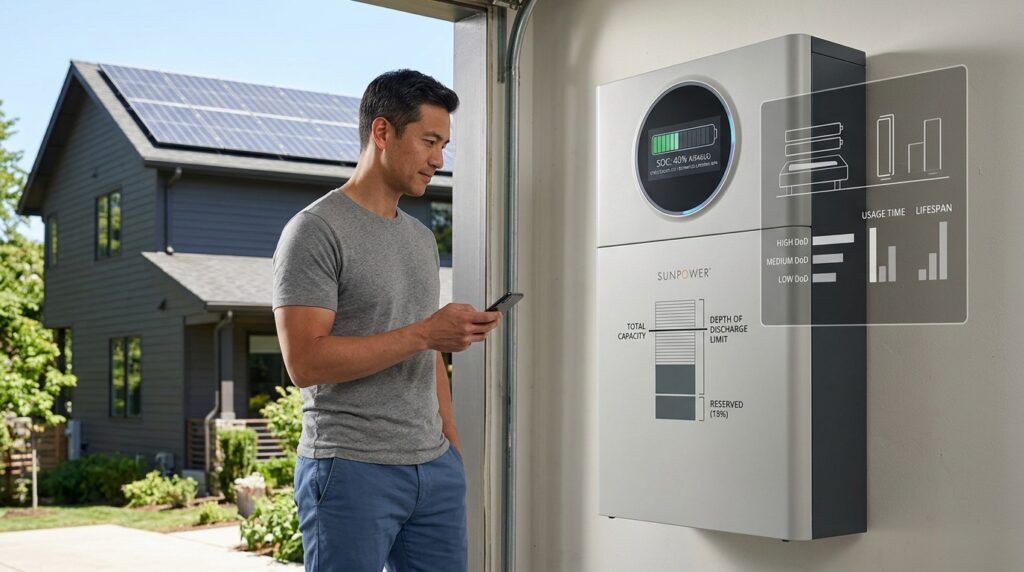
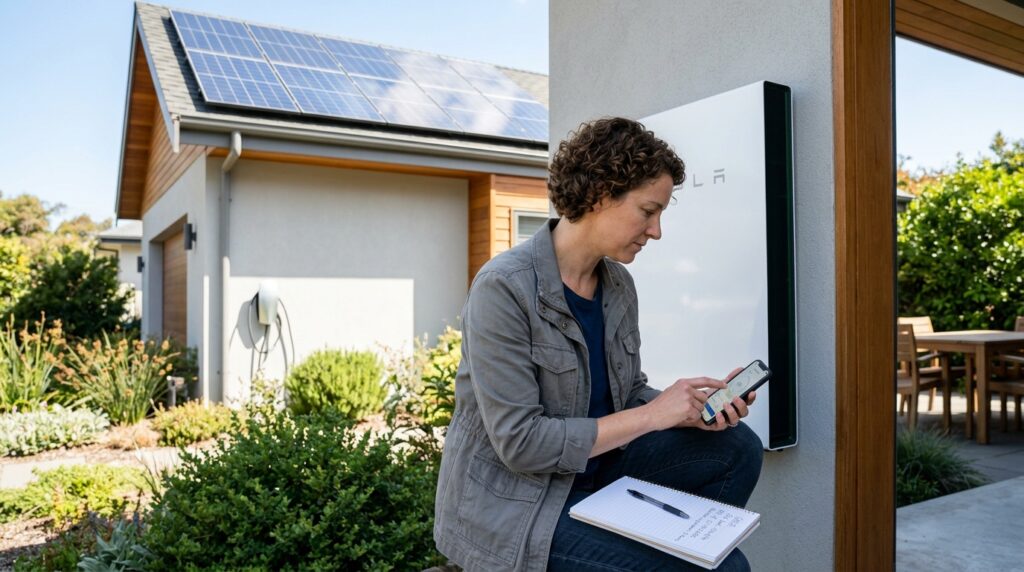
One thing I underestimated before I had this system: how much I’d actually use the monitoring app. I check solar production and battery state of charge probably twice a day. During outages, I watch it like a hawk.
Most modern battery systems come with app monitoring. Make sure you set up alerts for low state-of-charge before you need them — not during an outage when you’re scrambling.
What I’d Do Differently
If I were starting over, I’d have sized the battery larger from day one. Going from one battery unit to two required a second installation visit and added cost. Starting at the capacity you want is almost always cheaper than expanding later.
I’d also have had a more explicit conversation with my installer about the transfer switch wiring before the install day. There were some last-minute panel decisions that could have been smoother with better planning.
The Bottom Line on 3-Day Backup
Three days without grid power used to feel like a serious emergency. Now it feels like a mild inconvenience we’re well-prepared for. The combination of stored energy plus ongoing solar charging (even on cloudy days) means we can handle most outage scenarios without stress.
If a full solar-plus-battery system isn’t in your budget right now, a capable battery unit connected to essential circuits is a meaningful step up from nothing — and you can always add solar panels later if you go with a system that supports expansion. The important thing is getting started before the next storm, not after.
What’s your current outage situation? Drop a comment below — happy to help you think through sizing for your specific load.
Sources, uncertainty, safety, and affiliate disclosure
Check named sources for their publication date, geography, exact product, utility, and jurisdiction. Product specifications and programs change. Estimates are not guarantees. Electrical work, service upgrades, storage systems, transfer equipment, interconnection, and code compliance should be reviewed by the serving utility and a qualified electrician or installer as appropriate.
Some links may be affiliate links. SunBacked may earn a commission at no added cost to you; that does not determine editorial conclusions.