

Editorial quick answer
Can a generator damage sensitive electronics?
I look at generators the same way I look at any other backup power equipment: the wattage matters, but the quality of the power matters just as much. Yes, a generator can damage sensitive electronics, but it usually happens because the generator is producing unstable power, not because the electronics are somehow too delicate for […]
Who this is for
Homeowners using this topic to compare choices, identify tradeoffs, or prepare better questions.
What this cannot promise
A guaranteed bill reduction, output, runtime, incentive, code approval, interconnection result, or project-specific electrical design.
Assumptions, date, and local checks
Costs and performance depend on location, date, model, configuration, weather, tariffs, utility rules, program funding, installation details, and household loads. Incentive, net-metering, code, battery-sizing, and electrical statements require current jurisdiction and source checks. Confirm project-specific details with the serving utility, program administrator, manufacturer, and a qualified electrician or installer.
How evidence is labeled
Mike context
Limited to his 20 years as an electrician, going solar in 2019, and having no installer ties.
Manufacturer specification
Maker-published data for an identified model or version, not an independent measurement.
Public source
Utility, government, program, code, standards, or other dated public information.
Estimate
Math based on stated inputs and assumptions, not a quote or guarantee.
Editorial analysis
SunBacked’s synthesis of tradeoffs, separated from sourced facts.
I look at generators the same way I look at any other backup power equipment: the wattage matters, but the quality of the power matters just as much. Yes, a generator can damage sensitive electronics, but it usually happens because the generator is producing unstable power, not because the electronics are somehow too delicate for backup power in general.
If all you want to run is a few lights, a fan, and a sump pump, a basic portable generator is often fine. If you want to protect laptops, routers, TVs, smart appliances, CPAP machines, or anything with a circuit board, you need to pay more attention to voltage regulation, frequency stability, surge behavior, and how you connect those loads.
The Short Answer
Sensitive electronics are safest on an inverter generator, a well-regulated standby generator, or a battery backup system with UPS-style protection.
If you remember one rule, make it this: never assume a generator is electronics-safe just because it has the right outlet or enough running watts. Clean, stable output is what protects the equipment.
* * *
What This Means for a Homeowner
The problem is dirty power. Basic portable generators can produce voltage swings, frequency drift, and higher total harmonic distortion than modern electronics like. Some devices tolerate that just fine. Others do not. The usual victims are electronics with switching power supplies, delicate control boards, chargers, networking gear, and appliances that combine motors with digital controls.
I see homeowners focus on rated watts and completely miss power quality. A generator can have enough capacity on paper and still cause trouble if it bogs down under load, spikes during startup, or hunts up and down as appliances cycle on and off.
- High voltage spikes can stress power supplies and shorten equipment life.
- Low voltage from overloading can overheat motors and confuse electronic controls.
- Frequency swings can make clocks, timers, and some appliance boards behave unpredictably.
- High harmonic distortion can create noise and heat inside sensitive electronics.
That is why one homeowner can say, “I ran my TV on a generator for years with no problem,” while another loses a control board on a newer fridge after one ugly outage. The generator type, the load mix, and the quality of the connection all matter.
* * *
What “Clean Power” Actually Means
When I say clean power, I am talking about output that stays close to normal household utility power. The exact specs vary by device, but the big ideas are stable voltage, steady frequency, and low harmonic distortion.
Manufacturers often advertise inverter generators as safe for electronics because their output is electronically regulated and usually much cleaner than a basic contractor-style generator. That does not mean every inverter model is perfect, but it is the category I trust most for direct connection to sensitive loads.
- Voltage regulation matters because electronics hate repeated over-voltage and under-voltage events.
- Frequency stability matters because some clocks, timers, and control boards behave strangely when frequency drifts.
- Low total harmonic distortion matters because excess harmonics create extra heat and electrical noise.
If a generator listing talks about low THD, inverter output, or clean sine wave power, that is usually a good sign. If the listing says little beyond peak watts and outlet count, I assume it is built more for rugged tools than delicate electronics.
* * *
What Electronics Are Most at Risk
The devices I worry about most are not usually the simple ones. Incandescent lights, resistance heaters, and old-school power tools are fairly forgiving. The risk climbs when you are dealing with modern electronics that expect utility-like power.
Examples that deserve more caution include desktop computers, gaming systems, routers and modems, televisions, battery chargers, pellet stoves, furnace control boards, refrigerators with inverter compressors, medical devices, and anything “smart” enough to have a touchscreen or Wi-Fi connection.
If the device has a control board that is expensive to replace, I treat it as sensitive whether the marketing calls it that or not.
That includes plenty of equipment people forget about during outages: garage door openers, tankless water heater controls, boiler boards, alarm panels, and smart home hubs. Those are often small loads electrically, but they can be surprisingly expensive when a board fails.
* * *
Inverter Generator vs Standard Portable Generator
If you want the honest answer, inverter generators are usually the safer choice for electronics. They convert power electronically and are designed to deliver cleaner, more stable output. That is the whole reason they cost more.
Standard portable generators are not automatically bad, but the cheaper open-frame models are much more likely to have rougher output, especially during changing loads. They can still be perfectly fine for pumps, jobsite tools, freezers, and emergency basics. I am just more selective about what I plug into them directly.
| Generator type | Best for | Risk to sensitive electronics |
|---|---|---|
| Inverter generator | Electronics, small appliances, quiet residential backup | Low when sized correctly and not overloaded |
| Standard portable generator | Tools, pumps, basic outage loads, budget backup | Moderate to high depending on output quality and load changes |
| Standby generator with good regulation | Whole-home backup and automatic transfer | Usually low, assuming proper installation and maintenance |
* * *
How to Tell if a Generator Is Safe for Electronics
If I am shopping with electronics in mind, I do not start by asking whether the generator is powerful enough. I start by asking whether the output quality is documented well enough to trust.
- Look for an inverter generator or a standby model with strong voltage regulation.
- Check whether the manufacturer explicitly says it is suitable for computers or sensitive electronics.
- Look for published THD information instead of vague marketing language.
- Read the continuous watt rating, not just the surge or peak number on the box.
- Avoid running the unit near its limit if you plan to power electronics alongside motors or compressors.
If a product page or manual is vague, I assume the power quality is average at best. That does not make the generator useless. It just means I would keep expensive electronics behind a UPS or battery buffer instead of plugging them in raw.
* * *
When It Does Not
If the main job is starting large motors, running a well pump, feeding multiple kitchen appliances, or carrying a long outage on a tight budget, battery backup alone usually does not make sense. In those cases I would use a generator for the heavier loads and keep the sensitive electronics behind a UPS or separate battery buffer instead of expecting one small battery to do everything.
What I Would Prioritize First
For most homeowners, the safest setup is not complicated. Use the generator for the heavy lifting, and use targeted protection for the delicate stuff.
- Keep computers, networking gear, and entertainment equipment on a quality UPS, not just a cheap surge strip.
- Do not overload the generator. Voltage sag is one of the easiest ways to create trouble.
- Use a transfer switch or interlock instead of improvised backfeeding or extension-cord chaos.
- Separate ugly motor loads from delicate electronics when possible, especially during startup.
- Let the generator stabilize before connecting your most sensitive devices.
If you are running a fridge, freezer, sump pump, and blower motor from the same portable unit, I would not plug my main workstation straight into that setup without a UPS in between. That is just asking the electronics to absorb every wobble the generator produces.
I also like to connect loads in stages. Start the generator, let it settle, connect the largest motor loads one at a time, and only then bring sensitive electronics online through a UPS or other conditioned backup. That sequence reduces the odds of one ugly startup event hitting everything at once.
* * *
Quick Checklist Before You Plug In Sensitive Gear
- Confirm the generator is not overloaded and still has headroom.
- Make sure economy mode or idle control is not causing rough voltage behavior under changing loads.
- Use heavy enough extension cords to avoid extra voltage drop.
- Keep computers, modem/router gear, and medical electronics on a UPS whenever possible.
- Check the device manual if the equipment is unusually expensive, mission-critical, or medically necessary.
* * *
When Battery Backup Makes Sense
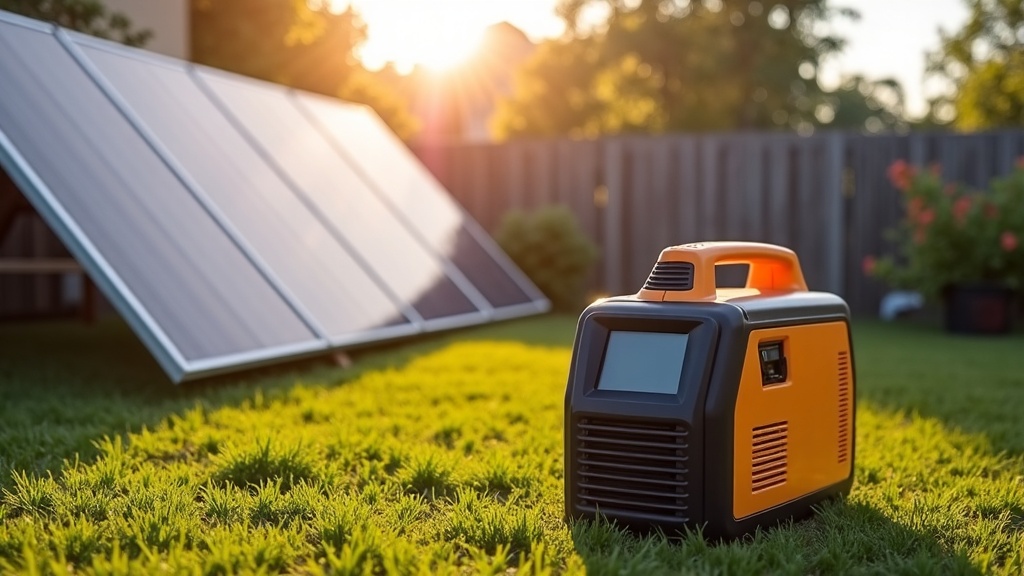
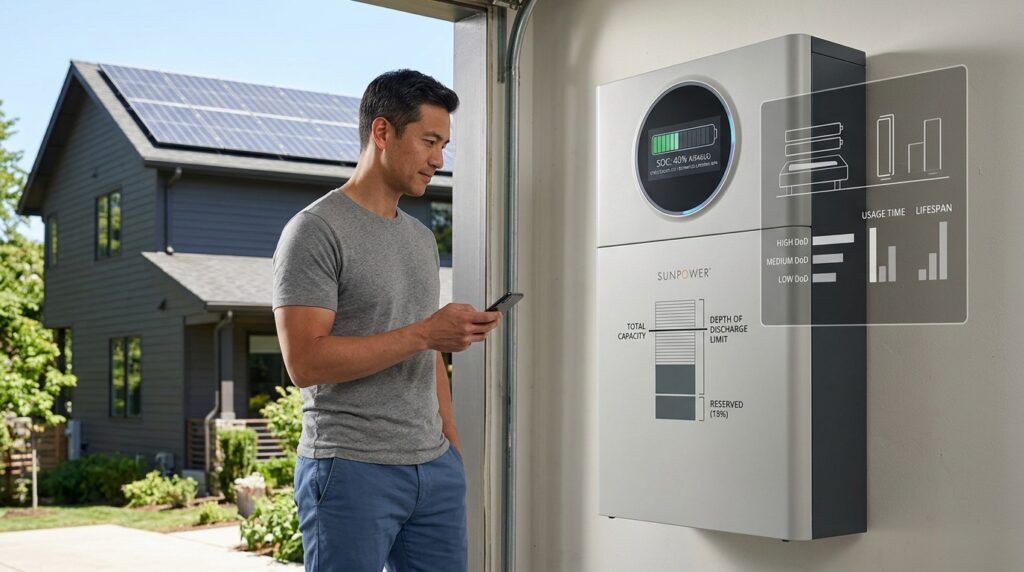
If your main goal is protecting electronics rather than running large loads for days, battery backup is often the cleaner solution. A battery system or even a few well-placed UPS units can provide instant switchover, quiet operation, and much more stable output than a bargain portable generator.
This is especially true if the loads you care about are internet equipment, work-from-home gear, security devices, chargers, and medical electronics. In those cases, I would rather have a battery handling the sensitive loads and let the generator cover refrigeration, pumps, or longer runtime if needed.
* * *
Bottom Line for Homeowners
If you expect to power sensitive electronics during outages, do not shop by wattage alone. Buy cleaner power. That usually means an inverter generator, a properly installed standby generator, or a battery backup setup sized around your critical loads.
If you already own a standard portable generator, you do not necessarily need to replace it tomorrow. Just be more selective. Run the rougher loads directly from the generator, and give the expensive electronics a buffer through a UPS or separate battery backup. That one decision can save you a lot of frustration and a few very annoying repair bills.
* * *
One thing I tell homeowners early is to compare smart home energy monitors before they buy bigger backup gear than they actually need, because usage visibility often changes the decision faster than marketing claims do.
Recommended Tools and Products
If you want to turn the ideas in this article into something practical, these are the product categories I’d look at first.
- Home Energy Monitors — A solid general-purpose tool for readers who want better visibility into household electricity use.
- Portable Power Stations — A practical consumer product that helps connect the topic to real backup-power use cases.
- Solar Battery Chargers — A simple adjacent product category for readers exploring solar and stored power.
Sources, uncertainty, safety, and affiliate disclosure
Check named sources for their publication date, geography, exact product, utility, and jurisdiction. Product specifications and programs change. Estimates are not guarantees. Electrical work, service upgrades, storage systems, transfer equipment, interconnection, and code compliance should be reviewed by the serving utility and a qualified electrician or installer as appropriate.
Some links may be affiliate links. SunBacked may earn a commission at no added cost to you; that does not determine editorial conclusions.