
Editorial quick answer
Why Does My Solar Inverter Beep at Night?
I would treat a solar inverter beeping at night as a message to identify before spending money on a battery or replacement inverter. Darkness explains why your panels stop producing; it does not, by itself, explain a repeated audible alarm. Your first decision is whether the equipment is reporting a documented operating status or a […]
Who this is for
Homeowners using this topic to compare choices, identify tradeoffs, or prepare better questions.
What this cannot promise
A guaranteed bill reduction, output, runtime, incentive, code approval, interconnection result, or project-specific electrical design.
Assumptions, date, and local checks
Costs and performance depend on location, date, model, configuration, weather, tariffs, utility rules, program funding, installation details, and household loads. Incentive, net-metering, code, battery-sizing, and electrical statements require current jurisdiction and source checks. Confirm project-specific details with the serving utility, program administrator, manufacturer, and a qualified electrician or installer.
How evidence is labeled
Mike context
Limited to his 20 years as an electrician, going solar in 2019, and having no installer ties.
Manufacturer specification
Maker-published data for an identified model or version, not an independent measurement.
Public source
Utility, government, program, code, standards, or other dated public information.
Estimate
Math based on stated inputs and assumptions, not a quote or guarantee.
Editorial analysis
SunBacked’s synthesis of tradeoffs, separated from sourced facts.
I would treat a solar inverter beeping at night as a message to identify before spending money on a battery or replacement inverter. Darkness explains why your panels stop producing; it does not, by itself, explain a repeated audible alarm.
Your first decision is whether the equipment is reporting a documented operating status or a problem that needs service. For your house and budget, the useful clues are the exact device making the noise, its displayed message, and whether you have battery backup?not simply the time on the clock.
The Short Answer
Solar inverter beeping at night can involve a low battery warning, a change to backup operation, an overload, a temperature warning, or another equipment fault. Sometimes the sound comes from a separate battery monitor or a nearby uninterruptible power supply (UPS). There is no universal beep code across solar brands, and not every inverter has an audible alarm.
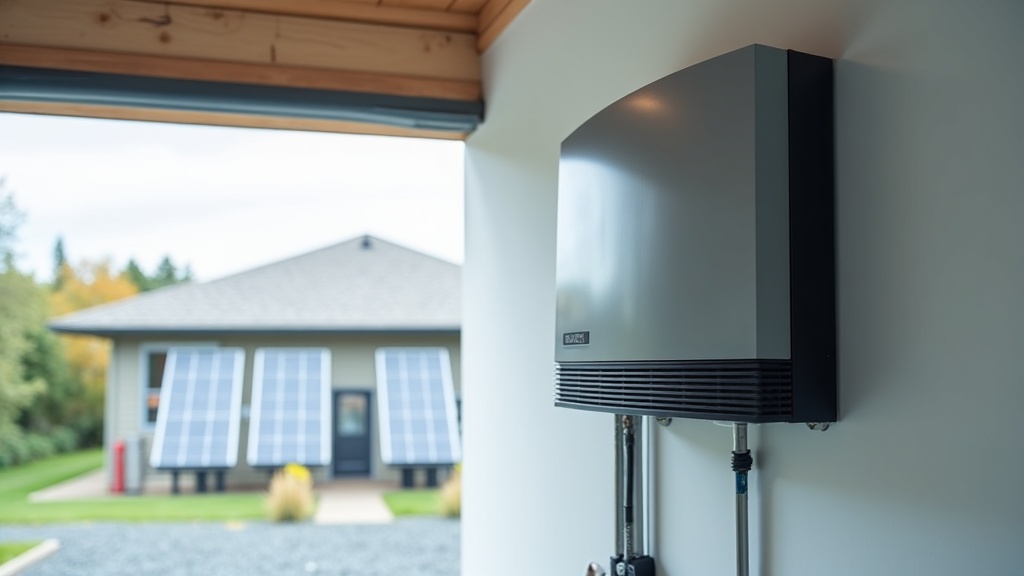
A conventional grid-connected solar inverter normally stops generating after sunset while your home uses utility electricity. A battery inverter may keep supplying loads or managing charging overnight. That distinction matters: without a battery, ?your solar battery is low? cannot explain the noise.
Stop homeowner troubleshooting and call a licensed solar technician for persistent alarms, fault codes, unusual heat, odor, or damaged wiring. If there is smoke, fire, or an immediate electrical danger, leave the area and call emergency services. Do not approach the equipment to silence it or operate switches.
What This Means for a Homeowner
Think of the noise as a reason to collect information, not permission to experiment with electrical equipment. These four observations help decide what should happen next:
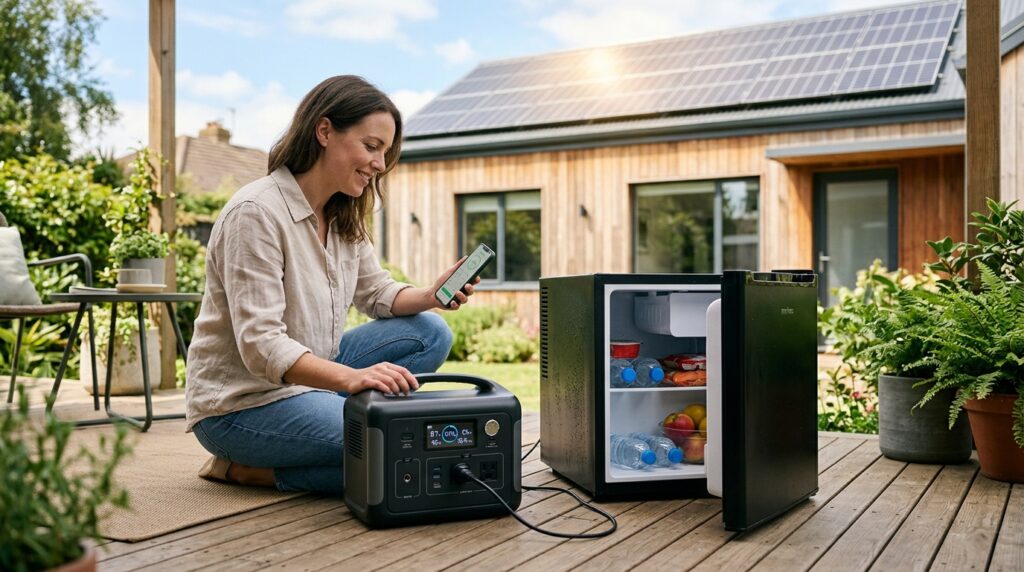
- Which device is sounding? From a safe distance, distinguish the inverter from a battery cabinet, wall-mounted controller, portable power station, or UPS beside your router. Never assume a smoke or carbon monoxide alarm is solar equipment.
- What does the screen or app say? Record the exact wording, event number, indicator color, and time. Check whether the app information is current rather than an old reading.
- When does it happen? Note whether it starts at sunset, during a utility interruption, when an appliance starts, or just before morning. Timing helps interpretation but does not establish the cause.
- What is the power situation? Note utility availability, battery charge if applicable, and whether backed-up appliances still have power. Do not deliberately create an outage to test the system.
A brief recording and a screenshot can make a service call much more productive. Use your phone or a battery-powered LED flashlight to read an accessible exterior label without removing anything. As an Amazon Associate, I earn from qualifying purchases.
A short sunset sound versus a repeating alarm
A mechanical click as equipment changes operating state is different from an electronic beep. A brief sound accompanied by a normal status may be something the manufacturer documents. If the manual confirms it, there are no warnings, and operation remains normal, monitoring can be reasonable. A new, unexplained sound deserves a support inquiry even if it stops.
A repeated overnight warning should not become background noise. If the battery percentage falls before it begins, that is useful evidence. If it starts with a large appliance, record that connection. Neither observation proves the battery needs replacement.
Why battery systems can warn after dark
At night, solar charging is unavailable, so a system supplying household loads may approach its battery limits. An inverter can also encounter excessive demand or temperature problems. For example, Victron’s Inverter Smart operating guide distinguishes low battery, overload, and high-temperature indications. Those categories are useful context; the indications and remedies still depend on your model.
The sound may originate at a controller rather than the inverter itself. Victron’s Cerbo GX documentation, for example, describes configurable audible alerts for monitored inverter/charger conditions. Identify both the device sounding and the equipment its message refers to.
Rule out the little backup box
A UPS supporting a computer or internet equipment can beep when it switches to its own battery. Schneider Electric’s APC Back-UPS guidance describes different audible indications for battery operation and other conditions. Its patterns are product-specific; don’t apply an APC beep chart to your solar inverter.
When Battery Backup Makes Sense
Battery backup makes sense when you have a defined outage problem: keeping refrigeration, communications, selected lights, or another important load operating for a realistic number of hours. A solar-only home generally needs a compatible backup system with the required isolation and controls to power household circuits during an outage. Adding storage is a system-design decision, not an alarm repair.
For a home that already has storage, additional capacity may deserve consideration if a technician confirms the equipment is healthy and your normal overnight needs exceed its usable energy. First compare what you actually need overnight with what the existing battery can deliver while preserving the desired reserve.
For example, a steady 400-watt essential load uses about 3.2 kilowatt-hours over eight hours, before conversion losses and reserve allowances. Actual loads cycle, and motors can demand extra power at startup. A proposal should address both energy capacity in kilowatt-hours and power capability in kilowatts. More stored energy alone may not solve an overload.
For a few suitable plug-in appliances, a plug-in electricity usage monitor can help estimate consumption later, once the alarm issue is resolved. Follow its voltage and load ratings. It is not a tool for measuring inside an inverter, testing battery wiring, or monitoring hardwired equipment.
When It Does Not
Buying a battery does not make sense as the first response to unexplained beeping. It will not repair a wiring fault, cooling problem, communication failure, or malfunctioning inverter. If a small UPS is the source, whole-home storage would be an expensive answer to the wrong problem.
An expansion also may not be worthwhile if an existing healthy battery is being used for optional overnight loads that you could shift to daytime. A manufacturer-supported reserve or schedule change might better match your backup goals. Have the provider explain the tradeoff: preserving more energy for outages can leave less available for everyday bill savings.
Do not lower protective battery limits to squeeze out extra runtime or eliminate a warning. And do not approve a replacement battery based solely on a low-voltage message. Battery condition, charging behavior, configuration, and connections may need professional evaluation before anyone can identify the right repair.
What I Would Prioritize First
I would prioritize a readable event record over a shopping list. An exact message with a timestamp gives the technician something to investigate; ?it beeps sometimes? can leave everyone guessing.
- Check for danger from a safe distance. Stop for unusual heat, odor, smoke, visible damage, or a fault indication. Do not touch the cabinet to judge its temperature.
- Save the evidence. Photograph an accessible display and label, capture the app event, and note the sound pattern and any loss of power. Avoid clearing the history.
- Find the exact owner’s manual. Match the model, including the controller if that is sounding. Use the manufacturer’s documentation, not a generic reset video.
- Keep checks at the user interface. Read status and permitted operating information. Do not open covers, probe terminals, reseat cables, or change installer settings.
- Reset only when explicitly permitted. For a nonhazardous condition, follow a reset only if the exact manual identifies it as an owner procedure for that condition. If unclear, call. If the alarm returns, stop and arrange service.
There is no safe universal ?turn everything off and back on? sequence for solar equipment. Multiple energy sources may remain present, and shutdown can interrupt backed-up loads. A reset is not proof that a fault has been repaired.
Should you mute it?
Only use a manufacturer-approved acknowledgment or temporary mute after identifying the message and confirming that the manual permits it. Muting changes the sound, not the underlying condition. Leave protective functions enabled, and do not use silence as a reason to postpone a persistent alarm or fault.
When calling, provide the model, exact message, first occurrence, utility status, battery charge if applicable, and any recent changes. Ask whether backup remains available and what owner action, if any, is appropriate while waiting.
Useful Tools for Safe Observation
A phone, flashlight, and owner’s manual cover most homeowner checks. If you need to keep your hands free to record an exterior display, a battery-powered LED headlamp is useful. It does not make opening equipment safe. Skip electrical test gear for this job; internal measurements belong with the technician.
Bottom Line for Homeowners
A solar inverter beeping at night is a message to identify, not an automatic sign that you need more storage. Confirm the source, save the status information, and compare it with the exact manual. A documented normal notification may only need monitoring; persistent alarms, fault codes, or signs of damage need professional attention.
My recommendation is to resolve the alarm first, then decide whether battery backup earns its place based on essential loads, outage duration, and cost. Spend money on a confirmed repair or a clearly defined backup need?not on guessing what the beep means.
Sources, uncertainty, safety, and affiliate disclosure
Check named sources for their publication date, geography, exact product, utility, and jurisdiction. Product specifications and programs change. Estimates are not guarantees. Electrical work, service upgrades, storage systems, transfer equipment, interconnection, and code compliance should be reviewed by the serving utility and a qualified electrician or installer as appropriate.
Some links may be affiliate links. SunBacked may earn a commission at no added cost to you; that does not determine editorial conclusions.